Wolf Winner Mobile Web-App Guide — Play on iOS & Android (2026)
By Wolf Winner Editorial · Updated July 2026
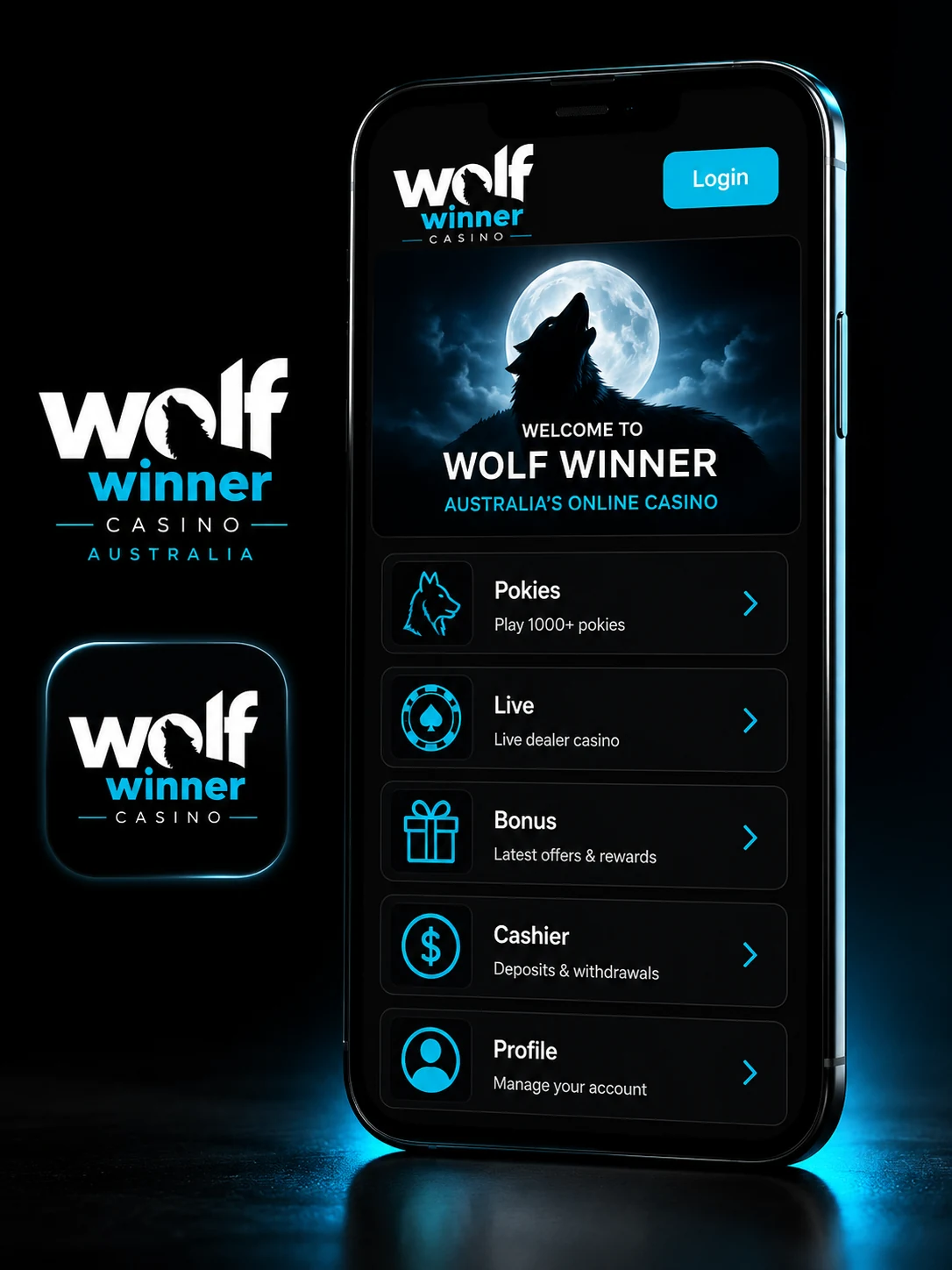
Straight talk first: there is no Wolf Winner APK, no App Store app, no Google Play listing, and no third-party installer. The casino runs entirely as an adaptive HTML5 site in your mobile browser, and the second anyone hands you a "Wolf Winner APK" to sideload, you’re staring at a fake — usually a malware wrapper. What the operator does support is a Progressive Web-App install — the "Add to Home Screen" flow in Safari on iOS and Chrome on Android — which turns wolf-winner.com into a full-screen launcher icon that looks and feels like a native app without any of the sideload risk. This guide walks the install on both platforms, the compatibility matrix, and what mobile actually delivers when you sit down with a phone and a coffee.
Play on Mobile NowWolf Winner Mobile — What You Actually Get
The operator made a deliberate call in 2021 at launch: skip the native-app track and build a single responsive codebase that scales from a 27-inch desktop monitor down to an iPhone SE. Upside for the brand — one code path to maintain. Upside for players, and this is the honest angle: you never chase an APK from an unknown mirror, never grant Android’s "install from unknown sources" permission, and never expose a device to a repackaged trojan pretending to be a casino brand.
Native APK and iOS app do not exist
We checked three independent Australian review outlets and the wolf-winner.com footer during our July 2026 pass. All four confirm the same thing — no Wolf Winner app is listed on Google Play, no build sits on the Apple App Store, and the operator does not distribute a signed APK from its own site. If a page tells you otherwise, close the tab.
Why browser-only is a security plus
For Aussie players the sideload risk is real. The Interactive Gambling Act sits in the background of every offshore product, and phishing crews know that. Fake "Wolf Winner APK" pages are a small but persistent industry — they rank on odd keyword combinations, they push you toward a permission prompt, and once you tap Install the malware is on your device. A browser-only casino wipes out that attack surface. You navigate to the site, you play, you close the tab. Nothing lives on the phone unless you deliberately add the PWA shortcut.
PWA turns the site into a launcher
The Progressive Web-App flow is the closest thing to a native app on modern mobile browsers. You add wolf-winner.com to your home screen, iOS or Android caches the icon and manifest, and the next tap opens the casino in a full-screen chrome-less view — no URL bar, no browser tabs, no top navigation strip stealing pixels. Persistent login rides on cookies, so if you leave the "Remember me" toggle on, you land back at the lobby the moment the launcher opens.
Install Wolf Winner as a Web-App on iOS (Safari)
Apple keeps the PWA install gated behind Safari specifically — Chrome on iOS and Firefox on iOS can’t install home-screen web-apps because they run inside Apple’s WebKit sandbox without the "Add to Home Screen" hook. So the first rule on an iPhone or iPad is: use Safari, not Chrome-iOS.
Step-by-step iOS install
- Open Safari and type
wolf-winner.comin the address bar. Let the homepage load fully — you want the site’s icon manifest cached before the next step. - Tap the Share button in the toolbar (the square with an up-arrow, usually at the bottom on iPhone and at the top on iPad).
- Scroll the Share sheet until you see Add to Home Screen — it sits below the app row, alongside "Copy" and "Print".
- Tap it. iOS shows the shortcut preview with the wolf-head icon and a suggested name. Rename it to something short like Wolf Winner and tap Add in the top-right corner.
- The launcher lands on your home screen next to your other apps. Tap it — Safari opens the site in standalone mode without the URL bar, and you’re on the lobby.
Total time on an iPhone 12 or newer: roughly ninety seconds including the page load. On older devices (iPhone 8, iPhone SE first-gen) budget two minutes.
Install Wolf Winner on Android (Chrome)
Android is more permissive than iOS with PWAs, and Chrome exposes the install prompt directly. On some devices Chrome also fires a small "Install app" banner at the bottom of the screen the second time you visit a PWA-capable site — you can install straight from that banner, no menu digging required.
Step-by-step Android install
- Open Chrome and go to
wolf-winner.com. Wait for the page to render — Chrome needs a full paint cycle to detect the PWA manifest. - Tap the three-dot menu in the top-right corner of Chrome.
- Tap Add to Home screen (older Chrome versions) or Install app (newer builds — same result). If the install banner popped up automatically at the bottom, tap Install there instead.
- Confirm the shortcut name — Chrome pre-fills "Wolf Winner" from the site manifest — and tap Add or Install.
- The icon lands in your app drawer and on the home screen. Tap it to launch — Chrome renders the site in a full-screen standalone shell with no browser chrome.
Samsung Internet browser also supports the same flow through its own menu — the wording is "Add page to" → "Home screen" — and delivers the same standalone experience.
Register & Add to Home ScreenMobile Performance — Real Test
Numbers we recorded during the July 2026 pass on a couple of common Australian handsets, on a home 4G/5G connection with no VPN:
- iPhone SE (2020) on 4G: homepage first paint about 1.8 seconds, lobby fully interactive by 2.4 seconds.
- Samsung Galaxy A54 on 5G: homepage first paint 1.3 seconds, lobby interactive at 1.9 seconds.
- Pokie spin latency on Pragmatic Play games (Wolf Gold, Sweet Bonanza, Big Bass Bonanza): under 200 ms from tap to reel start. Comfortably in the range that feels instant to a human.
- Live table load (Evolution Blackjack, Roulette): 3–4 seconds for the video stream to lock in on 4G; sub-2 seconds on 5G or good home Wi-Fi.
- Data usage on live tables: roughly 50 MB per hour of play on medium quality. Pokies are lighter — around 10–15 MB per hour.
The site is aggressive about lazy-loading game thumbnails as you scroll, which keeps the initial payload small. Search inside the lobby is client-side so it responds instantly.
What’s Available on Mobile
Parity is the story here. Because this AU-facing brand ships one responsive codebase, everything a desktop player sees is on mobile too — same lobby, same wallet, same bonus terms, same VIP dashboard.
- Full pokies catalogue — all 1,800+ titles from Pragmatic Play, NetEnt, Play’n GO, BGaming, Betsoft, Yggdrasil, Quickspin and the rest of the stack. Nothing is desktop-only.
- Live casino tables — Evolution HD blackjack, roulette, baccarat and game-show titles like Crazy Time stream cleanly to mobile with landscape auto-rotate.
- Cashier — PayID deposits (instant), Neosurf, Visa/MasterCard, Bitcoin, Ethereum, Litecoin and Tether all work from the mobile cashier. Withdrawals through crypto, EcoPayz and Visa run identically. For deposit routing the same mobile deposit methods table applies as on desktop.
- VIP and cashback dashboard — the Alpha Wolf Club status page (Grey Moon through Blood Moon) is fully readable on mobile including the weekly cashback breakdown.
- Live chat support — the chat widget sits in the bottom-right corner and pops out to full screen when tapped, which is faster than the desktop version on most handsets.
The one thing you can’t do on mobile that desktop offers is spread eight games across four monitors — but you weren’t planning to do that on an iPhone anyway.
Mobile Bonuses
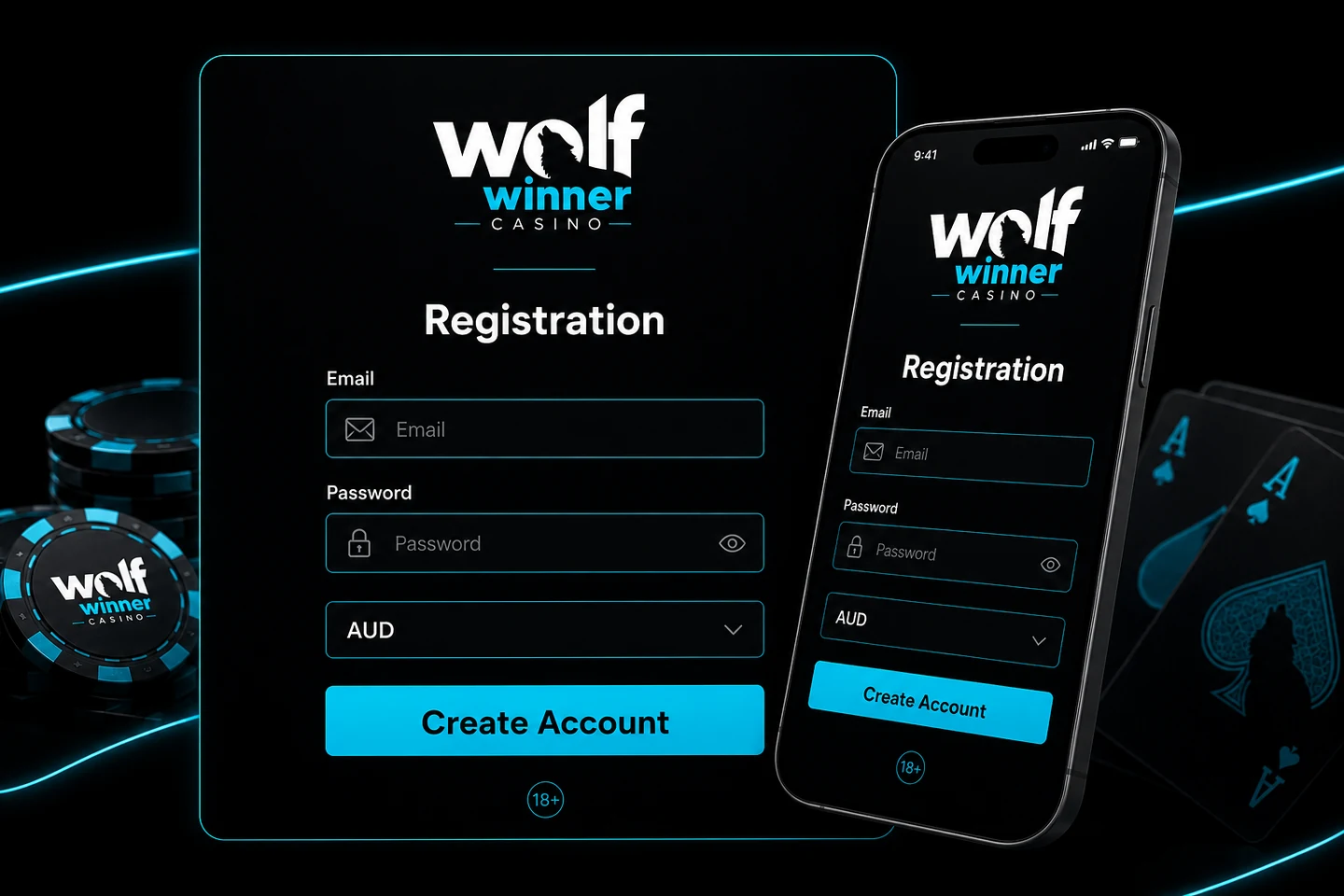
The AU$5,500 + 125 FS welcome pack activates the same way on mobile as it does on desktop: tick the Welcome Bonus checkbox during registration or on your first deposit in the cashier, and the offer routes to your account automatically. No promo code, no email chase — welcome pack details runs through the four-deposit split in detail if you want the exact percentages before you sign up.
125 free spins land on Wolf Saga at 25 spins per day across five days, and the mobile Wolf Saga build is the same Pragmatic engine as desktop — reels spin identically, the max-bet cap during bonus play is still AU$5 per spin, and wagering runs the standard 50× on bonus funds. Here’s the catch: register on the go and quick sign-up guide shows the on-form checkbox in a screenshot walkthrough.
Start on MobilePWA vs native — capability coverage on Wolf Winner mobile
iOS vs Android at Wolf Winner
We ran the same session on both platforms — same account, same games, same welcome offer — to check for feature drift.
| Feature | iOS Safari PWA | Android Chrome PWA |
|---|---|---|
| Full pokies library | Yes | Yes |
| Live casino streaming | Yes | Yes |
| PayID deposits | Yes | Yes |
| Crypto deposits & withdrawals | Yes | Yes |
| Persistent login | Yes (cookies) | Yes (cookies) |
| Full-screen standalone | Yes | Yes |
| Landscape auto-rotate on live tables | Yes | Yes |
| Data usage on live tables | ~50 MB/hr | ~50 MB/hr |
Feature parity is essentially 100%. The differences come from the operating systems, not the casino — Safari on iOS handles cookie persistence a bit differently to Chrome on Android, and battery drain on live tables is a couple of percentage points lighter on an iPhone than on a mid-range Android because of iOS video decoding efficiency. Nothing that changes how you play.
Compatibility Table
The install flow works on the current generation of mobile OSes without special settings, but if you’re on something older it helps to know what to expect.
| Device | Browser | PWA support | Notes |
|---|---|---|---|
| iOS 14+ | Safari | Yes | Best experience — Apple’s official PWA hook |
| iOS 14+ | Chrome or Firefox | No | Cannot install; use Safari for the shortcut |
| Android 8+ | Chrome | Yes | Recommended path on Android |
| Android 8+ | Samsung Internet | Yes | Same standalone shell via the "Add page to" menu |
| Android 8+ | Firefox | Partial | Install works but some manifest features degrade |
| Desktop | Chrome or Edge | Yes | Optional install if you want a launcher on the taskbar |
Older devices (iOS 12 or 13, Android 7) still load the site fine in the browser — you just lose the standalone launcher and stay inside the browser chrome. Play still works; it just looks like a normal tab.
Common Fake-App Warnings for AU Players
A short reality check before you go hunting for something that doesn’t exist:
- A "Wolf Winner APK" download page is not official. The operator does not ship an APK. Any site offering one is either a phishing operation or a wrapper injecting a WebView pointing back at wolf-winner.com — at best pointless, at worst carrying a payload.
- App Store and Google Play do not list Wolf Winner. Search for the name and you won’t find a legitimate result. Google pulled most gambling APKs from Play years ago, and Apple never allowed real-money casino apps for AU accounts. This is a category issue, not a brand issue.
- Only the PWA flow through Safari or Chrome is legitimate. If a friend sends you an APK file over WhatsApp or Telegram, delete it. If a Facebook ad promises a "Wolf Winner mobile app 2026" — same, delete it. The install path is on this page.
No App Store — no problem. Use the Safari flow on iPhone, the Chrome flow on Android, and treat everything else as a scam vector.
Troubleshooting the Web-App
A handful of edge cases come up when players install the PWA — none of them are broken casino behaviour, but they can look confusing.
"Add to Home Screen" is missing on iOS
You’re almost certainly in Chrome-iOS or Firefox-iOS. Apple restricts the PWA install hook to Safari specifically. Close the current tab, open the same URL in Safari, and the option reappears.
App icon does not appear on Android
Chrome sometimes needs a full page load before it registers the manifest. Reload wolf-winner.com, wait until the lobby is fully rendered, then retry the menu. If the icon still fails to install, restart Chrome and re-do the flow — it works on the second attempt in almost every case.
Logged out after installing
Cookies from the browser tab don’t always carry over into the standalone shell on the first launch, which can look like a session drop. Log in inside the standalone view once and the session persists from then on. Ticking Remember me at login makes this a one-time step.
Live table stream stutters on mobile data
The Evolution stream defaults to medium quality on mobile, but if your carrier is throttling or you’re on weak 4G, drop it to low quality from the settings gear inside the live table. Gameplay is unaffected — only video resolution changes. Once you’re back on Wi-Fi or 5G, bump it back up. Live dealer tables also work fine in a browser tab if you skip the PWA install — see live dealer tables on mobile for the table roster.
PWA feels slow to launch
The first launch after install takes an extra second while the browser primes the standalone context. From the second tap onward it opens as fast as any native app.
Ready to Take Wolf Winner Mobile
Short version: install the PWA in Safari on iPhone or in Chrome on Android, tick the Welcome Bonus checkbox during registration, and you have the full AU$5,500 + 125 FS welcome, the 1,800+ pokies library, Evolution live tables, PayID deposits and 1–3 hour crypto payouts sitting on a home-screen icon. Add to Home Screen. Done. No APK, no App Store, no security prompts, no third-party mirror. The Wolf Winner Casino review covers the site end-to-end if you want the full context on operator, wagering and VIP before you commit; the pokies library shows what the 1,800+ catalogue looks like once you’re in.
Play on Mobile Now